
StrimoIPTV: What Is IPTV Service and How Does It Work?
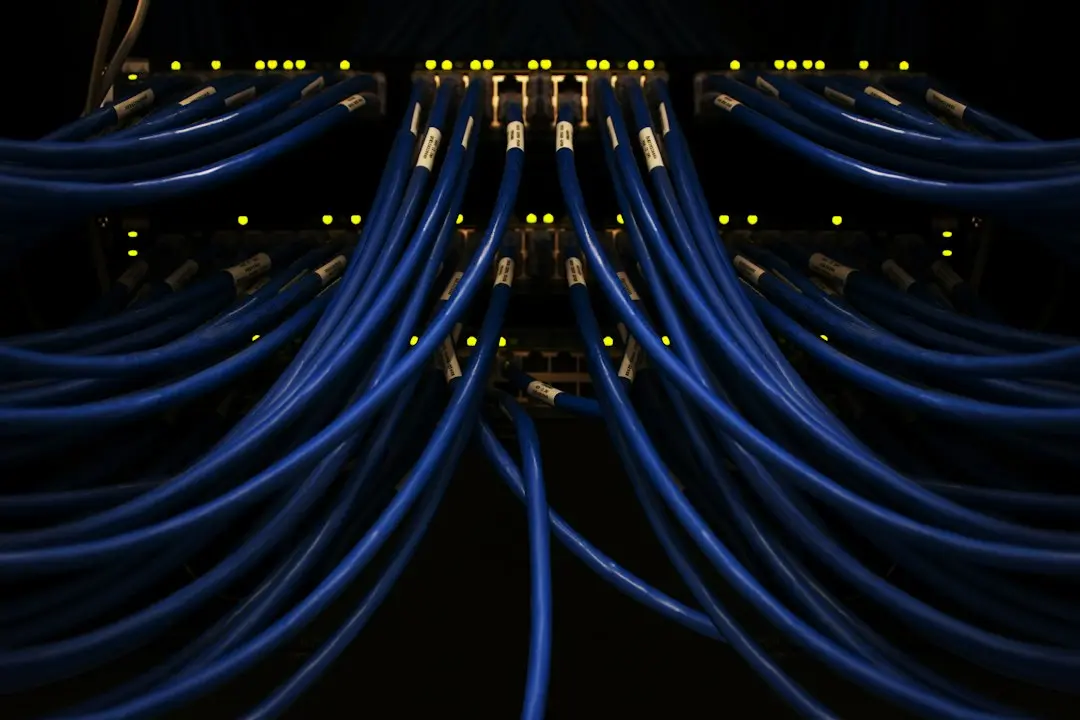
What is IPTV, and what is an IPTV service actually selling you? This guide from StrimoIPTV answers both questions from the ground up: what the letters stand for, how live channels and on-demand titles travel from a provider to your TV, what you need at home, and how it compares with the cable or satellite package most American households know.
What is IPTV? The short answer
IPTV is television delivered over an internet connection instead of a cable line, a satellite dish or a roof antenna. The picture and sound travel as data over the same network that carries your web browsing and video calls, and a player app on your TV, streaming stick, phone or tablet turns that data back into live channels and on-demand video.
The International Telecommunication Union, the United Nations agency that sets telecom standards, defines it this way:
"IPTV is defined as multimedia services such as television/video/audio/text/graphics/data delivered over IP-based networks"
Source: ITU, IPTV-JCA Terms of Reference
For a viewer, that definition changes three practical things:
- No dish and no cable box. Your home internet, over Wi-Fi or an Ethernet cable, carries the stream.
- No single set-top box. Any compatible device that can run a player app can show the channels.
- One login, several screens. The same credentials work in the living room, the bedroom or on a phone, up to the number of devices your plan allows.
What does IPTV stand for?
IPTV stands for Internet Protocol Television. Internet Protocol is the set of rules every device online uses to send and receive data, so the name simply says the TV signal moves the way any other internet traffic moves.
What is an IPTV service, and what does StrimoIPTV include?
An IPTV service is the provider that supplies the content: the live channel list, the TV guide and a library of shows and films on demand. The player app is a separate piece of software that only displays what the service sends. A player on its own comes with no channels at all, which is the most common point of confusion for newcomers.
Here is what a StrimoIPTV subscription includes, on every plan:
| What you get | Details |
|---|---|
| Live channels | 19,000+ channels from 60+ countries |
| On demand | Shows and films to watch whenever you like |
| Picture quality | HD, and 4K on supported channels with a 4K-capable device and screen |
| TV guide (EPG) | Included, showing current and upcoming programs 2–3 days ahead |
| Login formats | Xtream Codes, M3U, MAG portal and Enigma2 |
| Support | 24/7 on WhatsApp |
The channel list is organized into regional groups such as USA, Canada, United Kingdom, Latino, India, Arabic, France, Germany and Italy, among others. Live sports are part of the lineup too, including soccer, basketball, American football, MMA and boxing, motorsport, cricket and tennis. Content and availability can vary by region.
One more thing worth knowing up front: StrimoIPTV has no app of its own. You watch through a third-party player that suits your device, and some of those players charge their own licence fee.
How does IPTV service work? From order to first channel
So what is IPTV and how does it work in practice? Behind the scenes, the provider's servers receive channel feeds, package them as data streams and serve them to subscribers who sign in with valid credentials. Your player requests a channel, the server sends the stream, and the player decodes it on your screen. Changing the channel simply asks the server for a different stream.
For a subscriber, the StrimoIPTV process looks like this:
- Choose a plan. Pick the length (1, 3, 6, 12 or 24 months) and the number of devices (1 to 5) on the subscription page.
- Order on WhatsApp. The team confirms the plan and the payment options available for your order before you pay.
- Receive your login by e-mail. It contains your server URL, username and password for Xtream Codes, plus an M3U link. Check your spam or junk folder too.
- Enter it in a player app. Xtream Codes is the usual choice; the M3U link works in players that prefer a playlist.
- Watch. Live channels, the TV guide and on-demand titles all load inside the player.
MAG boxes work slightly differently: StrimoIPTV activates them with the box's MAC address and a portal URL instead of a username and password. The setup guides walk through each device.
How do you get IPTV? What you need at home
You need three things: an internet connection, a compatible device and a player app with your login.
An internet connection
A stable home broadband connection is the foundation. 4K needs noticeably more bandwidth than HD, so if you plan to watch 4K channels, a wired Ethernet connection or a strong Wi-Fi signal near the router helps. A VPN is not required; if one causes connection problems, switch it off first.
A compatible device
Most streaming devices already in American homes can run a player. These are the devices StrimoIPTV supports and the players its guides name for each:
| Device | Player apps |
|---|---|
| Amazon Fire TV Stick, Fire TV, Fire TV Cube | XCIPTV, IBO Player Pro |
| Android phones, tablets, TV boxes, Nvidia Shield | XCIPTV, IBO Player Pro |
| Apple TV, iPhone, iPad | UHF, IBO Player, IPTV Smarters Pro (App Store) |
| Samsung and LG Smart TVs | IBO Player or IPTV Smarters |
| Hisense VIDAA Smart TVs | Hot Player |
| Formuler boxes | MyTVOnline |
| MAG boxes | No app: a portal URL |
Chromecast is supported as well. If your device is not on this list, check with the team on WhatsApp before ordering.
A player app and your login
Install the player from your device's app store. On a Fire TV or Android device, the StrimoIPTV team can also send an APK link to use with the Downloader app. Then enter the login from your e-mail and the channel list loads. Our post on StrimoIPTV with Fire TV Stick covers that device step by step, and the guide to M3U playlists and Xtream Codes explains which login format to use where.
IPTV vs cable and satellite: what changes
| IPTV | Cable or satellite | |
|---|---|---|
| How it arrives | Over your internet connection | Coaxial cable or a dish on the roof |
| Equipment | Your own TV, stick, box or phone | A rented box, often per room |
| Installation | You install a player app yourself | Often a technician appointment |
| Screens | Same login on several devices, up to your plan's limit | Usually tied to the boxes you rent |
| Contract | With StrimoIPTV, none: paid once, no auto-renewal | Often a term contract |
The trade-off: IPTV depends on your home network, so weak Wi-Fi or a busy connection affects the picture.
What a StrimoIPTV plan costs
Prices are in US dollars and paid once for the whole term, with no hidden fees and no automatic renewal: when a plan ends, you order a new one on WhatsApp. These are the 1-device prices; the savings compare each plan with paying the 1-month price every month.
| Plan length | Price (1 device) | Per month | Saving vs monthly |
|---|---|---|---|
| 1 month | $13.99 | $13.99 | — |
| 3 months | $34.99 | $11.66 | 17% |
| 6 months | $59.99 | $10.00 | 29% |
| 12 months | $99.99 | $8.33 | 40% |
| 24 months | $169.99 | $7.08 | 49% |
StrimoIPTV plans cover up to 5 devices; the 5-device plans run from $44.99 for 1 month to $299.99 for 24 months. Every price for every device count is on the subscription page. Refunds are conditional: a request within 24 hours of the first purchase, for a technical issue support can't resolve, as set out in the refund policy. For what this site does and doesn't cover, see the disclaimer.
Conclusion: what is IPTV service, in one line
An IPTV service delivers live TV and on-demand video over the internet to a player app on the devices you already own, with no dish, no cable box and no technician. StrimoIPTV puts 19,000+ live channels, a TV guide and shows and films on demand behind one login, in HD and 4K on supported channels. The easiest way to see whether it suits your home is to try it: ask for the 24-hour free trial on WhatsApp, with no payment needed, one per household, then compare the plans on the StrimoIPTV subscription page.
FAQ: what is IPTV?
What is IPTV service?
An IPTV service is a provider that streams live TV channels, a TV guide and on-demand content over the internet to subscribers, who watch through a player app. StrimoIPTV is one example: you receive a login by e-mail and enter it in a player on your TV, stick, box or phone.
How do you get IPTV?
Choose a provider and a plan, receive your login, install a player app on a compatible device and enter the login. With StrimoIPTV you order on WhatsApp and the login arrives by e-mail; the setup guides cover each device.
What does IPTV stand for?
Internet Protocol Television: TV delivered using the same protocol that carries all other internet traffic.
What is IPTV and how does it work?
It is television sent as data over an internet connection. The provider's servers stream each channel on request, and a player app decodes it on your screen. Switching channels asks the server for another stream.
How does IPTV service work with more than one TV?
You use the same login on each device, and the plan sets how many can watch at the same time. StrimoIPTV plans cover 1 to 5 devices; see the FAQ for more details.
Want to try StrimoIPTV?
Get the 24-hour free trial on WhatsApp (no payment needed), or pick a plan: 1, 3, 6, 12 or 24 months for 1 to 5 devices, from $13.99, paid once.
Related articles

StrimoIPTV Guide: Choosing the Best IPTV Service
How to choose the best IPTV service for your home: an 8-point checklist for any IPTV provider, and how StrimoIPTV answers each point with its own terms.
Read the article
StrimoIPTV on Firestick: XCIPTV and IBO Player Pro Setup
Set up StrimoIPTV on a Fire TV Stick with XCIPTV or IBO Player Pro: app store or Downloader, the Xtream Codes login, and fixes for an empty TV guide.
Read the article
StrimoIPTV with IPTV Smarters Pro: Setup and Login
How to use IPTV Smarters Pro with a StrimoIPTV login: Xtream Codes or M3U, which devices it fits, and the other player apps named for each device.
Read the article